
/ Shopify Liquid
Best Review Sections for Shopify
Introduction
Reviews are not a nice-to-have. For most product categories they are the single biggest predictor of conversion. The good news is that you do not need a paid app to get a solid review section — MCO Hub includes several free Liquid snippets that look great out of the box.
This guide compares the main review snippets, explains why social proof works, and helps you choose the right one based on the traffic your store receives.
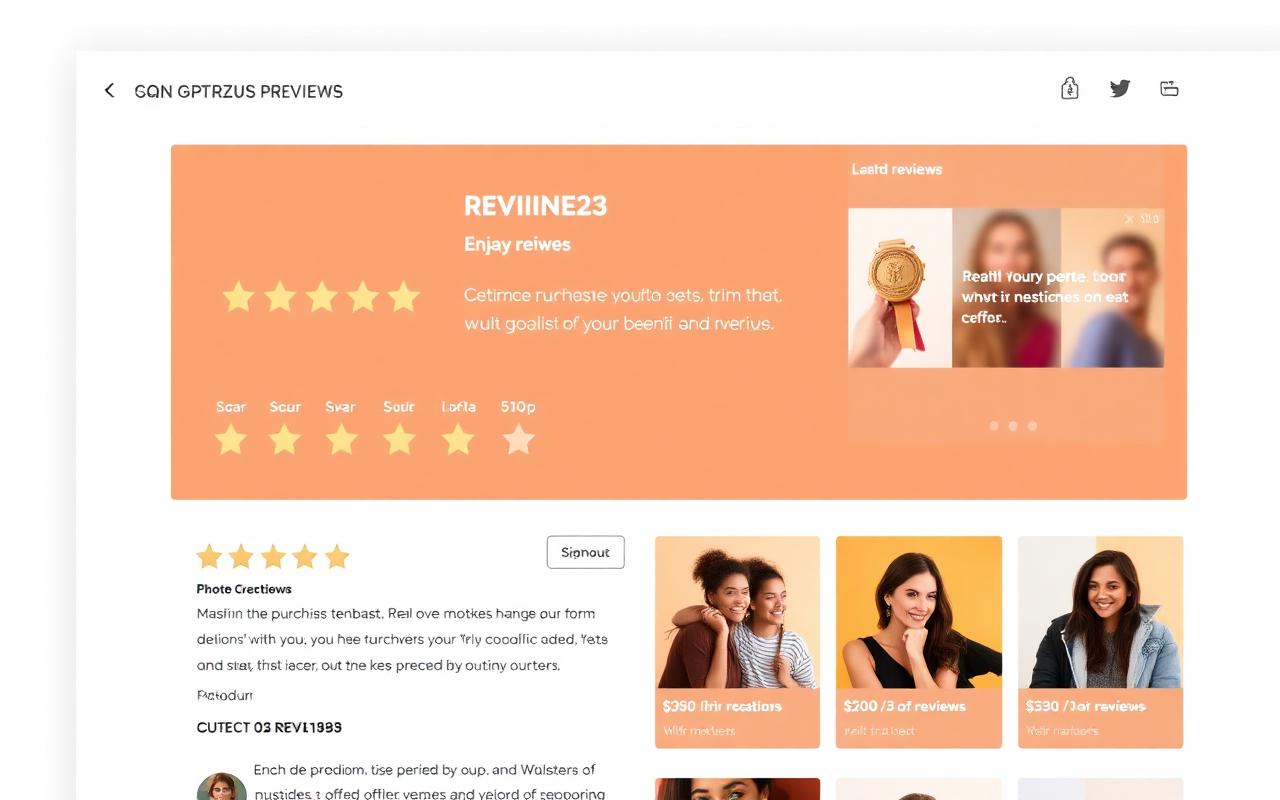
Shopify Reviews
The flagship review module: a clean grid of customer reviews with stars, names and dates. Designed to work with the standard review apps Shopify merchants already use.
Best for: stores with a healthy backlog of reviews (50+) where the goal is to display them well. Drop it on the product page below the description.
Reviews Slider
A horizontally scrolling slider with one review per slide. Compact, polished and great for stores that want reviews above the fold without taking up much vertical space.
Best for: hero areas, just under the product title, or as a homepage strip.
Trustpilot
A Trustpilot-styled review block. Familiar visual language for European customers, especially in the UK and Northern Europe.
Best for: stores that already have a Trustpilot profile, or stores targeting markets where Trustpilot is the dominant review brand.
Google Reviews
A Google-styled review card. Hugely familiar visual — every shopper recognises the format.
Best for: stores running Google Ads or Google Shopping, where matching the Google visual language can boost relevance and trust.
Verified Purchases
Not a standalone review module — a small badge that attaches to existing reviews. Adds the cue that the reviewer actually bought the product.
Best for: any store. Pair it with one of the modules above for an immediate authenticity boost.
Which one should you use?
Use one main module on the product page (Shopify Reviews is the safe default). Add a slider higher on the page if vertical space is tight. Use Trustpilot or Google styles only if they match where your traffic comes from — using a Trustpilot block when you have no Trustpilot profile looks dishonest.
Conclusion
Reviews work because they are real evidence from other shoppers. Pick a module that fits your traffic, install one trust-boosting badge alongside it, and keep collecting reviews. It compounds.
Related resources
Guides
Tools
Deals & Discounts