
/ Shopify Liquid
Best Shopify Announcement Bars
Introduction
The announcement bar is the most-seen pixel on your Shopify store. Every visitor on every page passes through it. Yet most stores either leave the default theme bar untouched or stuff it with rotating messages that no one reads.
This guide compares the announcement bar snippets inside MCO Hub, with notes on when each one is the right choice.
Static Announcement Bar
The classic single-line bar at the top of the page. One message, one link, no animation.
Use it when you have one clear thing to communicate — for example, a launch discount, free shipping threshold or a holiday cut-off. It is also the safest default if you have not split-tested anything yet.
Infinite Announcement Bar
A scrolling marquee that loops the same message (or set of messages) continuously across the bar. The motion catches the eye without being annoying.
Use this for offers you want every visitor to notice, such as a sitewide promo, or for short benefit lists like "Free shipping · 30-day returns · Trusted by 10,000 customers".
Infinite Info Bar V2
A more editorial variant of the infinite bar, designed to communicate multiple value propositions in a single ribbon. Works well above the navigation, just under the announcement bar itself.
Use it for stores that lean on benefits — fast shipping, guarantees, payment options — rather than a single promo.
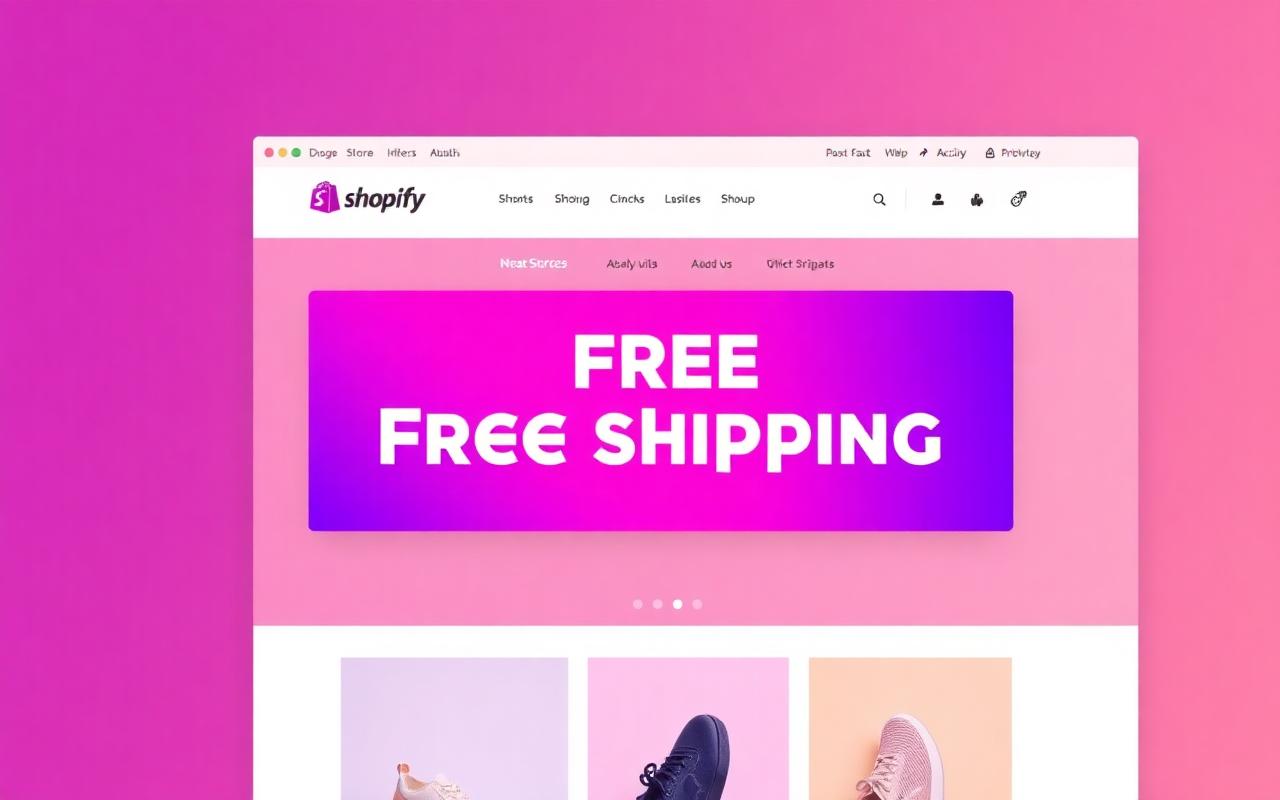
Free Shipping Bar
Technically not a generic announcement bar — it is a dedicated free-shipping promise bar. Cleaner and louder for that single message.
Use it when free shipping is your primary differentiator, or when shipping cost is consistently the biggest objection in your post-purchase surveys.
How to pick the right bar
If you have one promotional message, use the Static Announcement Bar. If you have one message but want a little extra attention, use the Infinite Announcement Bar. If you want to communicate multiple benefits at once, use the Infinite Info Bar V2. If free shipping is your single biggest selling point, use the Free Shipping snippet.
Resist the urge to stack three bars at the top of your store. That is a sign you have not decided what your store is actually about.
Conclusion
The announcement bar is small, but it sets the tone of the entire store. Pick one snippet, write one clear message, and only swap it when you have something genuinely new to say.
Related resources
Guides
Shopify Liquid
Deals & Discounts